Your AI workspace.
Inside Visual Studio.
Connect your preferred models, give them the right context, and move from a question to a reviewed change. One familiar workflow, across AI providers.
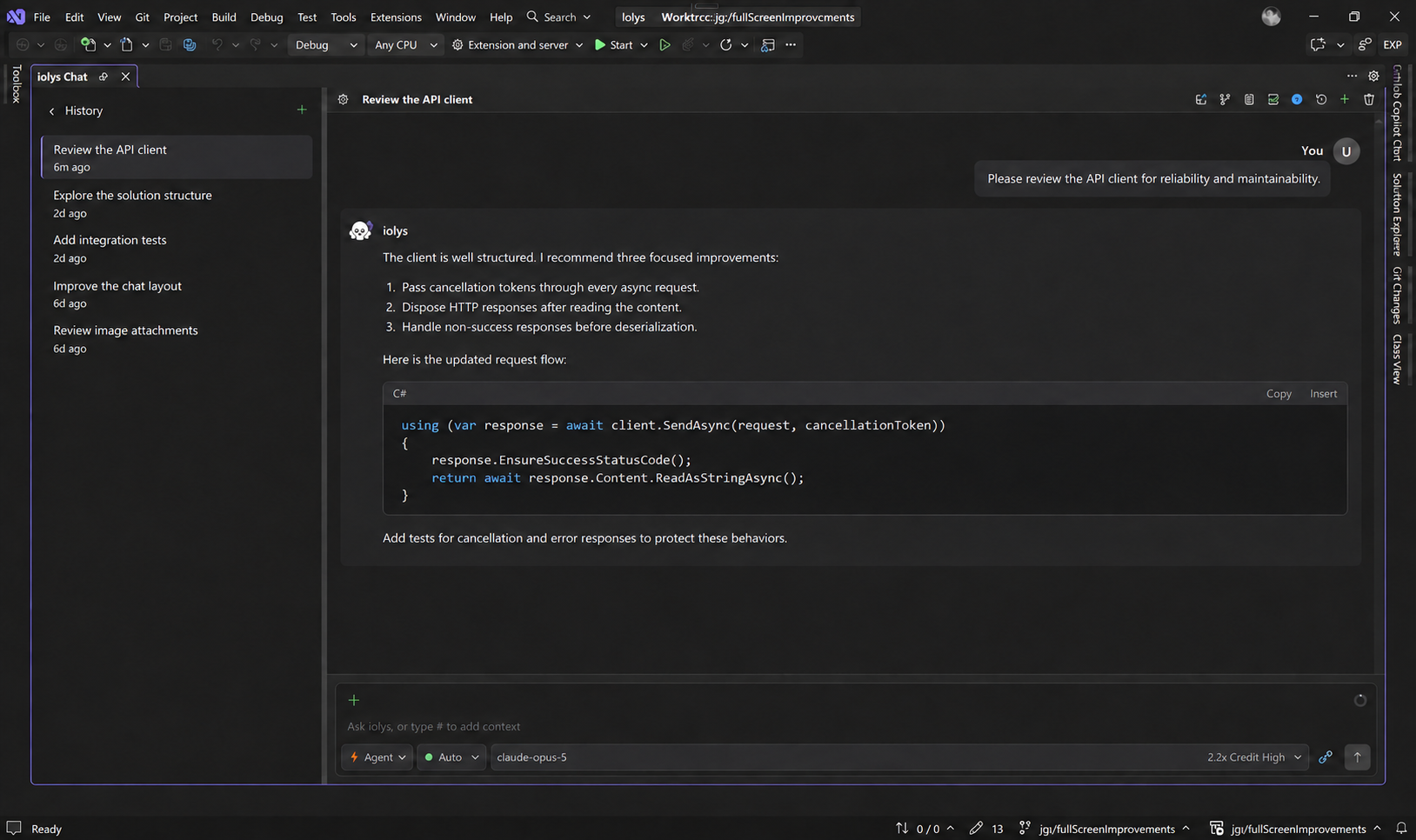
Start here
Choose a starting point. Each guide takes you through the controls you will use in iolys.
What is iolys?
iolys is an AI development workspace for Visual Studio. It connects your solution, models, conversations, and development tools in one interface. You bring a provider account, API credentials, or a local model; iolys supplies the workflow around it.
An agent can inspect project files, explain code, propose a plan, make changes, and use Visual Studio's build and test tools. The available actions depend on the model, enabled tools, selected mode, and permissions.
Choose your workflow
| If you want to… | Start with… |
|---|---|
| Use Claude Code, Codex, Kimi, or Kiro | Managed CLI providers |
| Connect hosted models or your own endpoint | API providers |
| Use local or remote Ollama models | Ollama |
| Ask about a file, selection, or screenshot | Files, images, and context |
| Work on several tasks independently | Parallel workspaces |
| Review an agent's edits | Review and undo changes |
| Understand usage, quotas, and estimates | Usage and costs |
Build on your team's conventions
Package a repeatable process as an Agent Skill, give a specialized role its own custom agent, or add external capabilities through MCP servers. These features work within the permissions you choose.
Read Data and privacy to understand provider requests, locally saved conversations, product analytics, and optional diagnostics.
Get help
Start with Troubleshooting for connection, model, tool, and session issues. For questions and feedback, join the iolys Discord community. Product news and release articles are available on the iolys website.